Your AI trading
cockpit
One API key turns NinjaTrader into a full TradersEdge workstation: see the plan on your chart, respect your rules, and capture every trade in your journal.
One bundle · One key · Works on every NinjaTrader chart
Official Vendor of NinjaTrader

New to NinjaTrader? It's free for charting and one of the industry's leading futures platforms. Open your account, then drop the TradersEdge suite on top.
Get NinjaTrader freeOne workflow,three loops
Every TradersEdge tool plays a role in the same loop: prep, execute, review.
See the plan
Levels · PlayReactor
Your AI levels, prior-day references, volume profiles, and trade scenarios drawn live on the chart, with PlayReactor calling out reactions as price hits them.
Respect the rules
EvalGuardian
Multi-account risk rails for prop evals. Track trailing or end-of-day drawdown and guard your limits across every account, so a bad moment never blows an account.
Capture the edge
Auto-Logger
Every NinjaTrader trade logged to your TradersEdge journal as it closes, with the setup, day type, and levels in play attached automatically. No CSV imports.
See it
in action
Real captures from live NinjaTrader charts, not mockups.
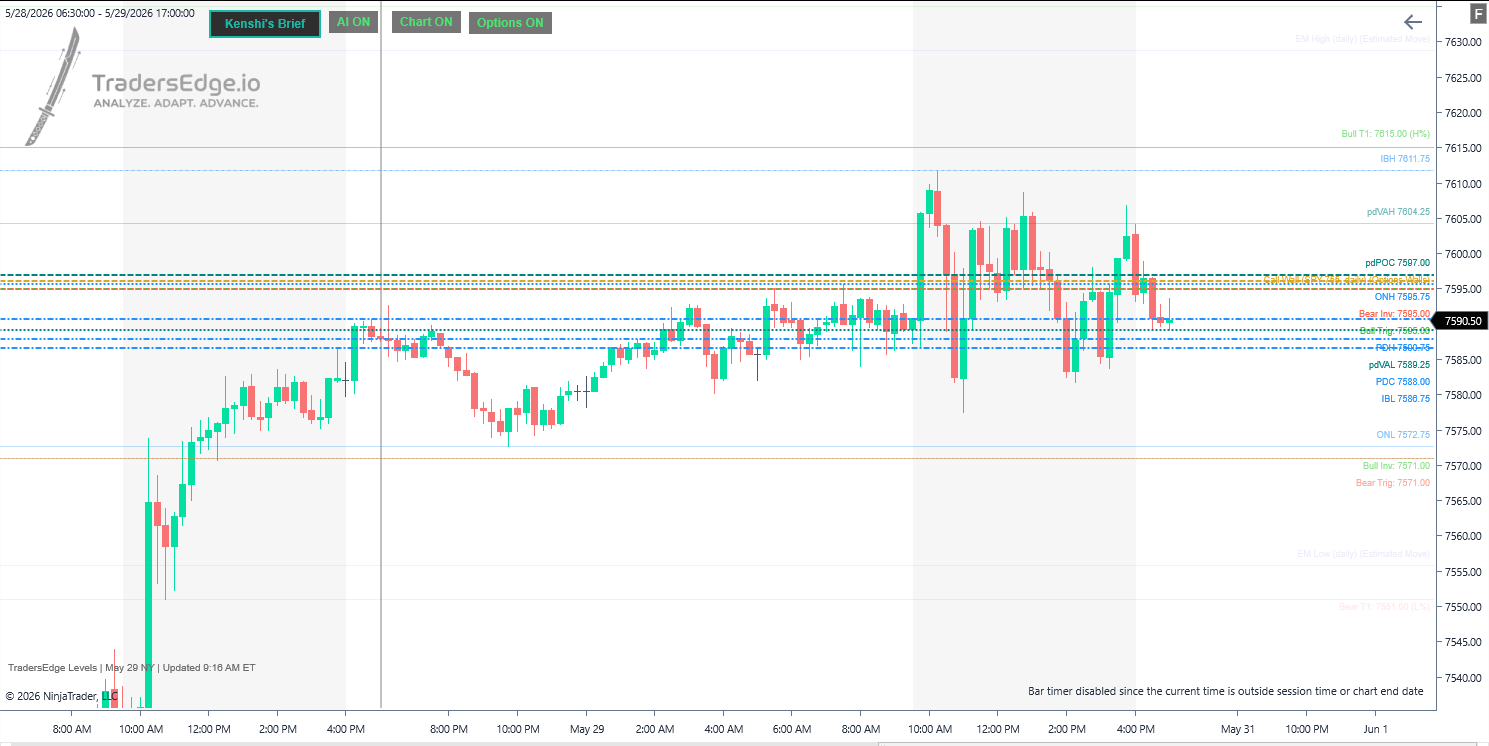
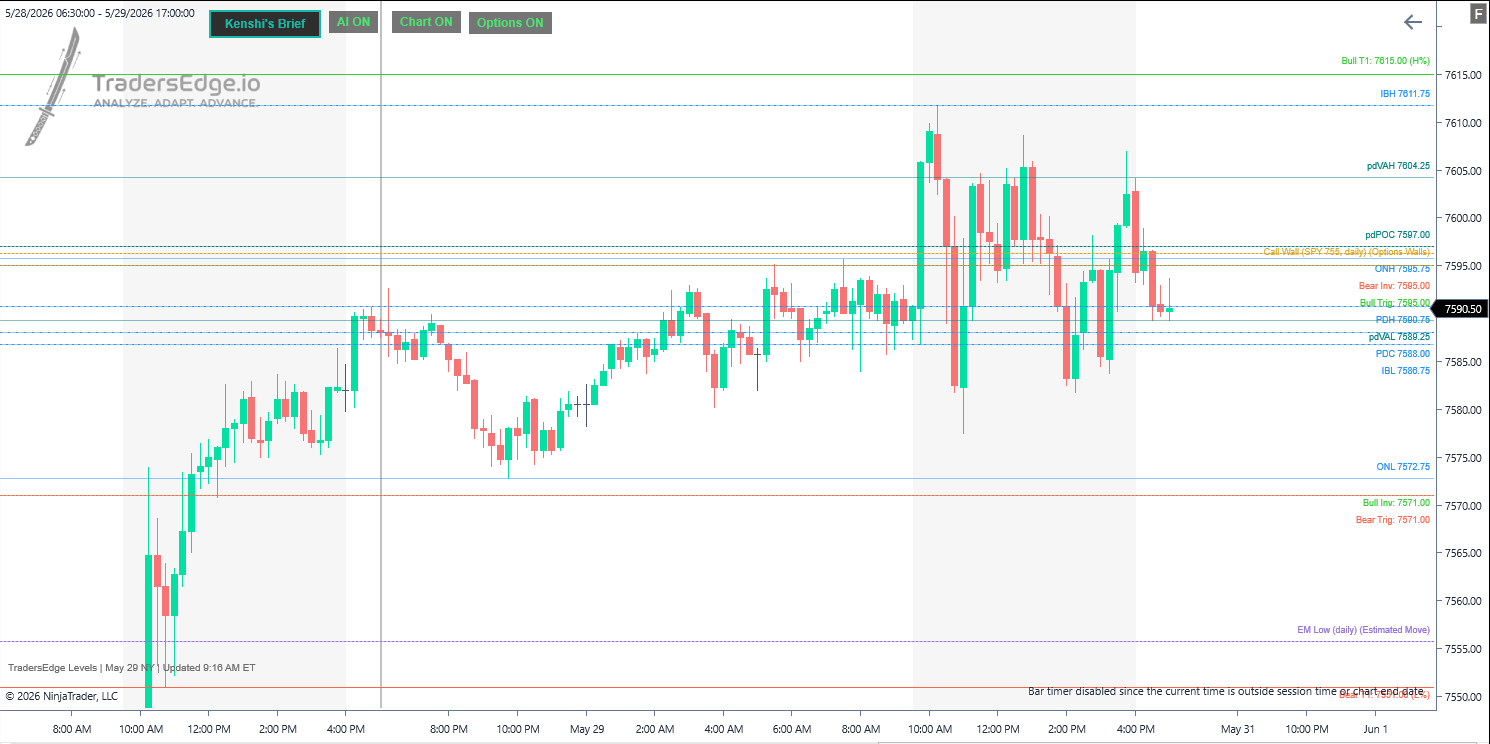
Your whole game plan, drawn for you
AI levels, prior-day references, volume profiles, and trade scenarios appear on the chart automatically each session. Smart Levels fades the far ones so you focus on what is in play.
- Chart-computed and AI-enhanced levels in one view
- Toggle Chart / AI groups right from the chart
- Read Kenshi’s session brief without leaving NinjaTrader
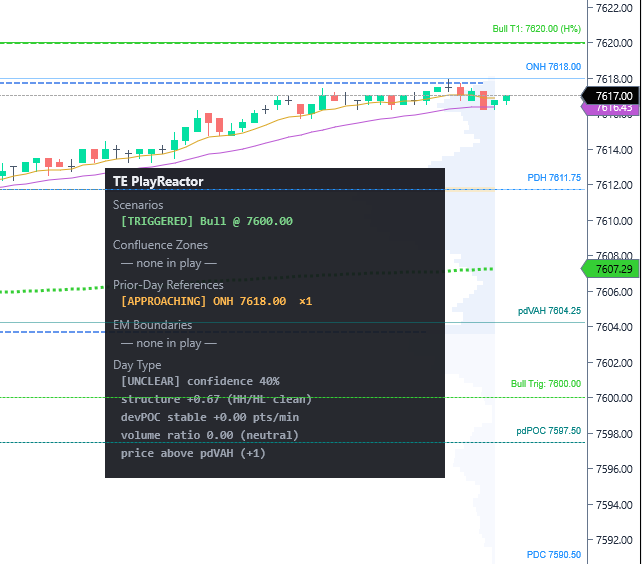
PlayReactor calls the moment that matters
A live panel tracks every scenario, confluence zone, and prior-day reference, plus a day-type regime read, and alerts you the instant price interacts with one.
- State machines for scenarios: armed → triggered → invalidated
- Prior-day tests with approach alerts and touch counts
- Day-type read (range / trend) with confidence and structure
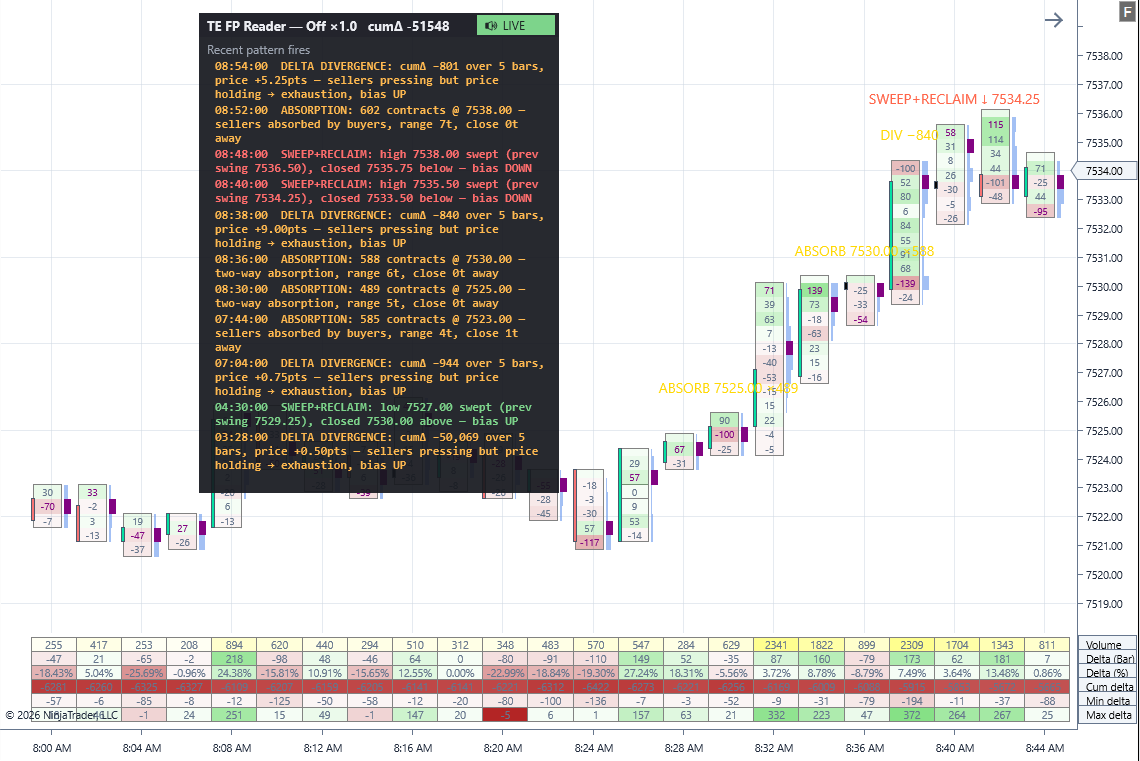
Order flow, named in plain English
The Footprint Reader watches the bid/ask footprint and calls out high-signal patterns the moment they fire, so you confirm a setup with what the tape is actually doing.
- Absorption, stacked imbalance, and delta divergence
- Sweep + reclaim and trapped longs / shorts
- Plain-English labels with optional voice alerts
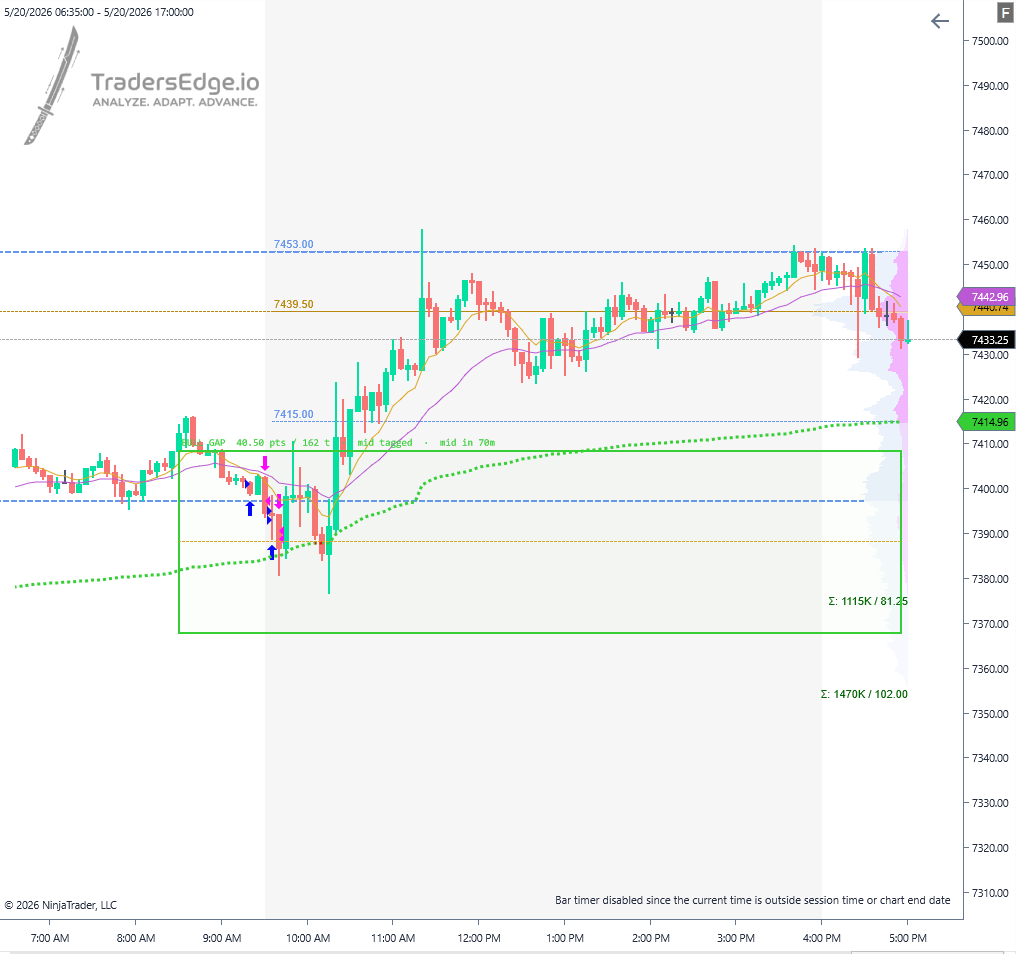
The RTH gap, watched to the fill
The gap between the prior RTH close and today’s open is drawn as a box with its midpoint and fill state, advancing from untouched to mid-tagged to filled, with alerts along the way.
- Gap box, midpoint, and live fill state
- Alerts as price tags the midpoint and fills
- Skips noise gaps; persists unfilled gaps across sessions
The
toolkit
Everything ships in a single bundle. Add what you need to any chart.
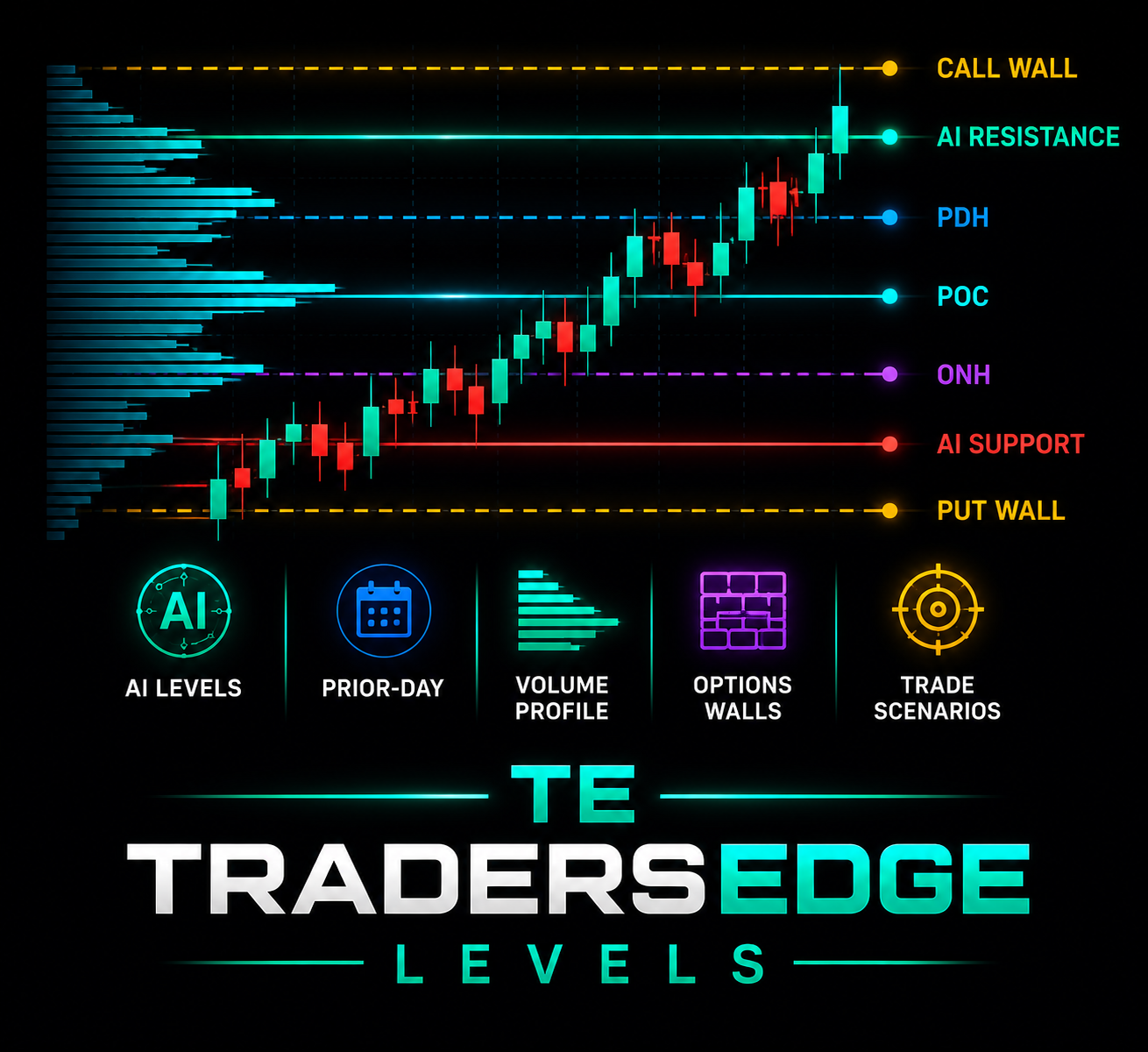
TradersEdge Levels
AvailableThe core indicator. Auto-draws your AI levels, prior-day references, volume profiles, and trade scenarios, refreshed every session.
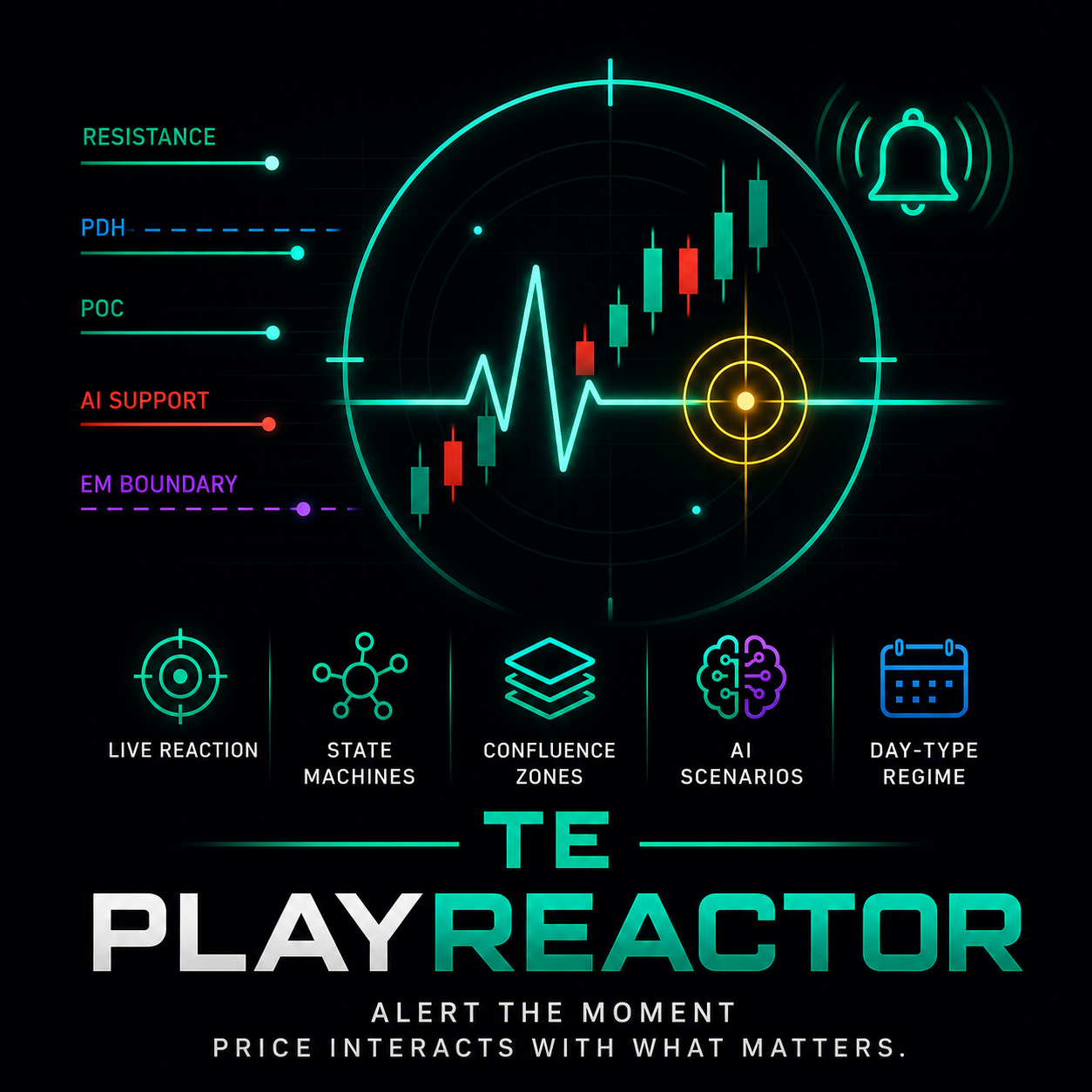
PlayReactor
AvailableReacts to your levels live: confluence zones, scenario states, and prior-day tests, plus a day-type regime read, and alerts you the moment price interacts.
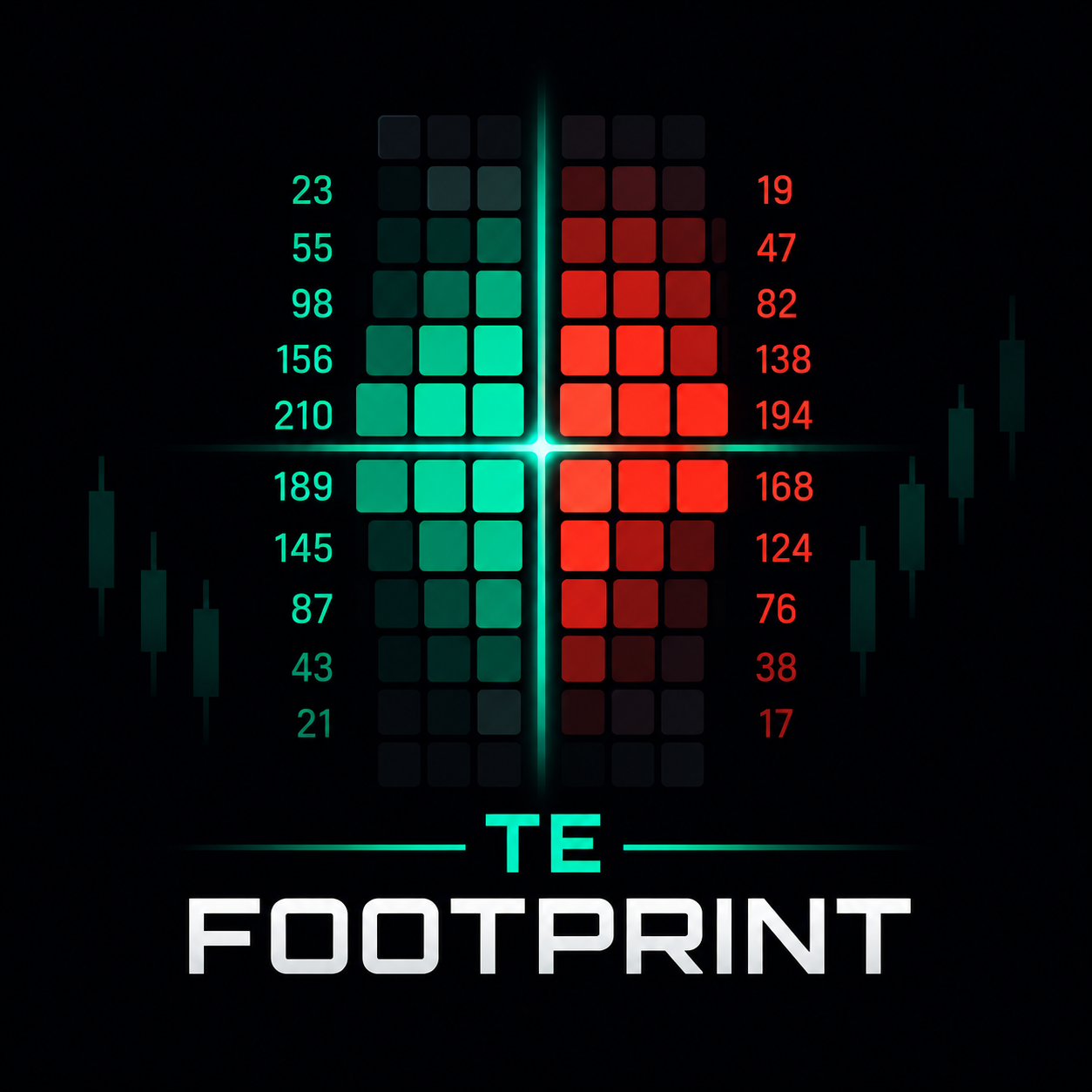
Footprint Reader
AvailableOrder-flow confirmation in plain English: absorption, stacked imbalance, delta divergence, sweep + reclaim, and trapped traders, the moment they fire.
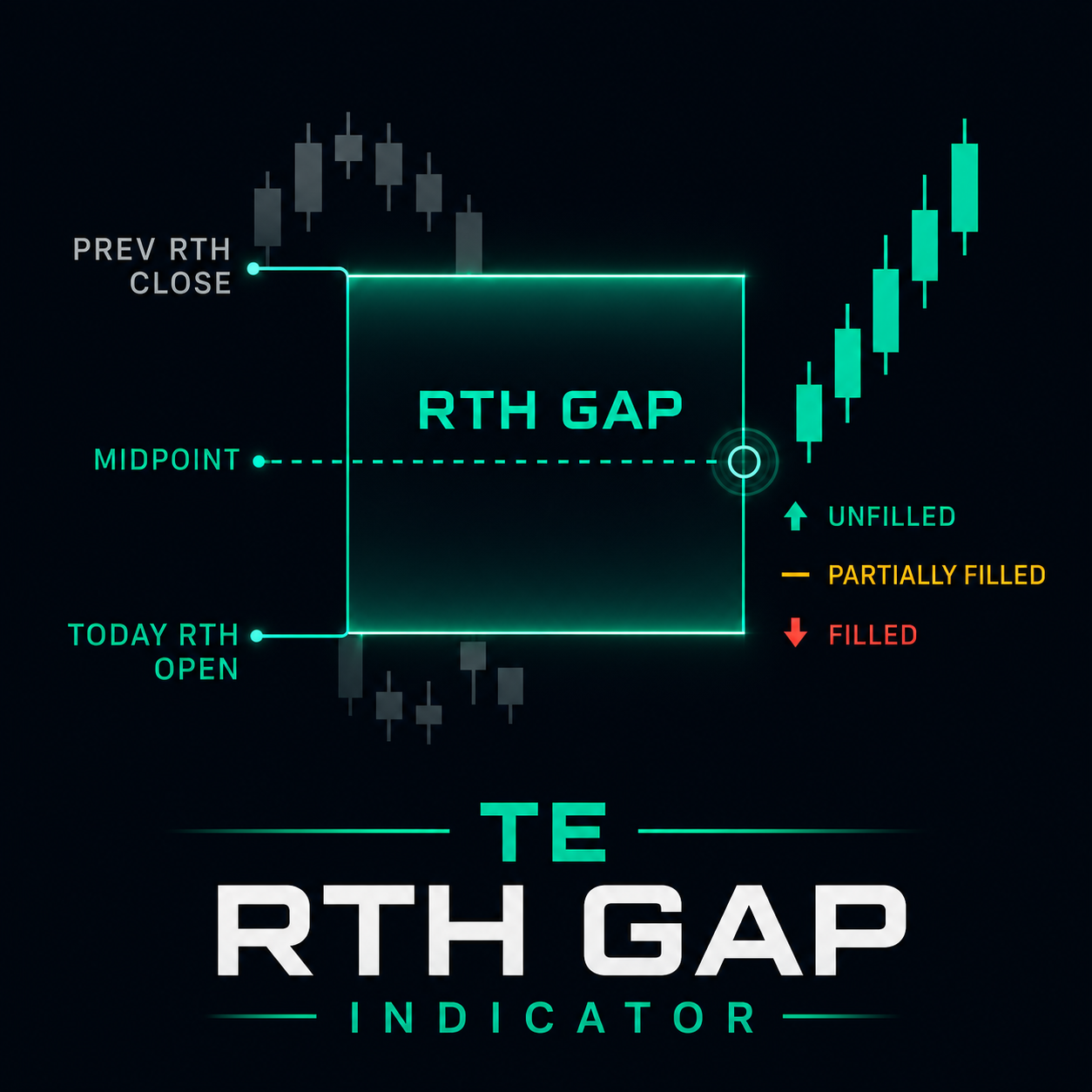
RTH Gap
AvailableTracks the regular-hours gap, its midpoint, and fill state, with alerts as price works each level.
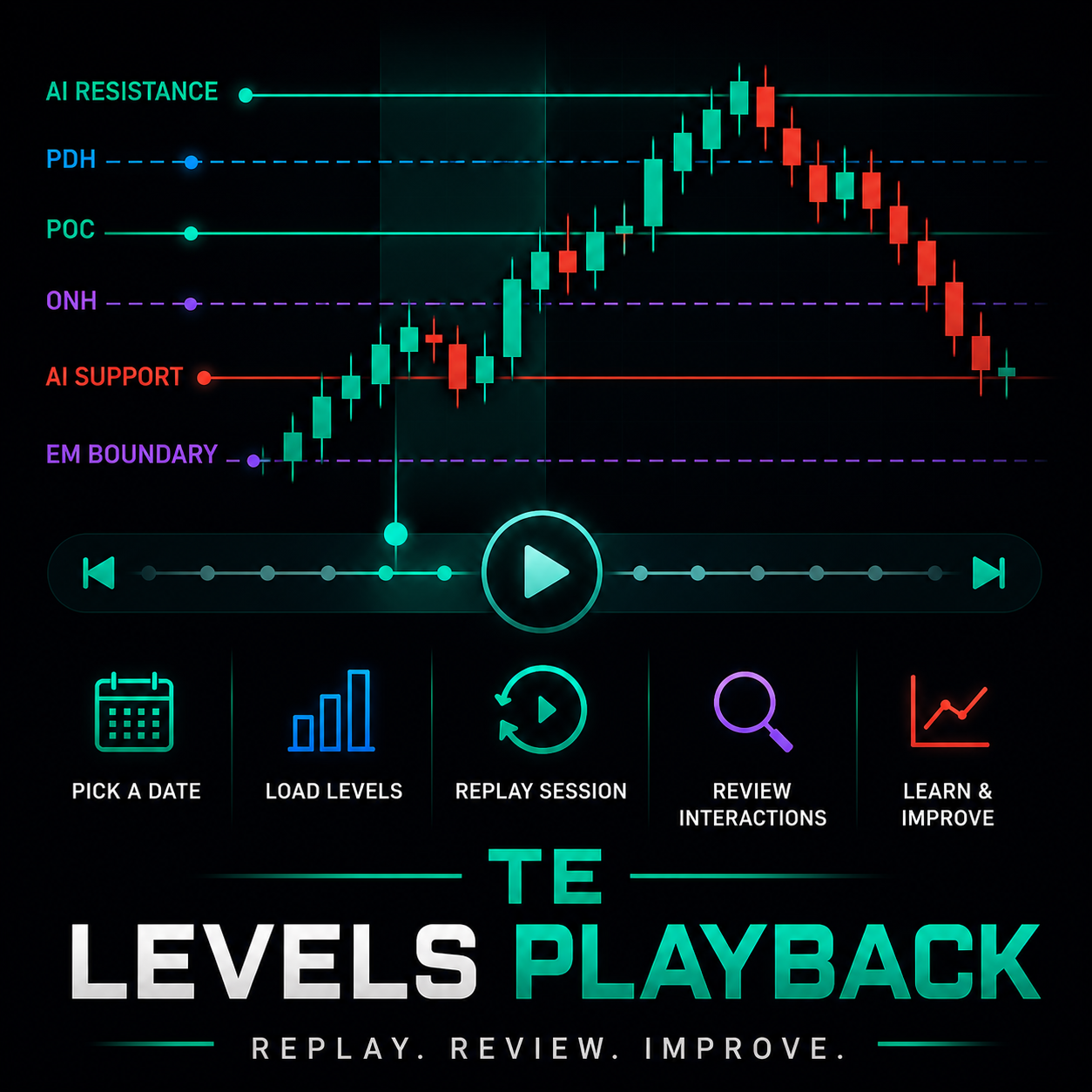
Levels Playback
AvailableReplays historical TradersEdge levels bar-by-bar so you can study how price interacted with the plan on past sessions.
TradersEdge Auth
AvailableThe enabler. Enter your API key once and every TradersEdge tool reads it, no per-indicator setup.
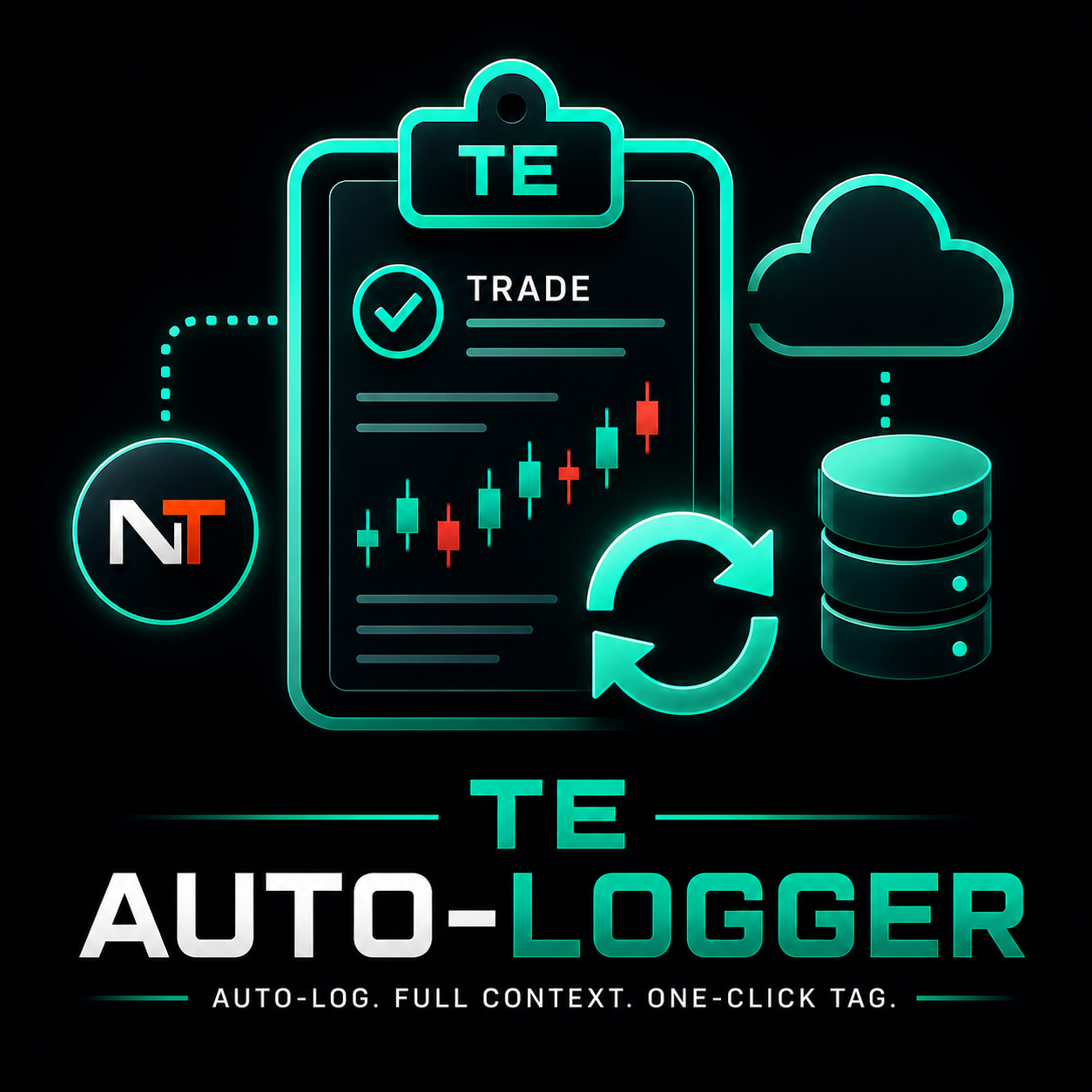
Auto-Logger
AvailableAuto-logs every NinjaTrader trade into your journal as it closes, with the setup, day type, and levels in play attached automatically. No CSV imports.
SmartFlow
AvailableA Smart Money Concepts toolkit for your chart: market structure, fair value gaps, supply and demand zones, liquidity, premium/discount, and session boxes, all drawn automatically.
Coming soon

EvalGuardian
SoonMulti-account risk rails for prop evaluations, with per-account drawdown tracking and rule guards across every account in parallel.
Set up once
One key, one bundle. Enter your API key in the Auth AddOn and every tool reads it.
Generate your key
Create your API key on the Indicators page in the TradersEdge app.
Install the bundle
Import the suite via Tools → Import → NinjaScript Add-On.
Enter your key once
Paste it into the TradersEdge Auth AddOn, and every tool reads it from there.
Add to a chart
Drop TradersEdge Levels on any chart and your plan appears.
Put the plan
on your chart
Generate your key, download the bundle, and trade with your levels in minutes.
Indicator access included with Core · Cancel anytime